Clear Modules · Ready to Use
Industrial host infrastructure split into focused modules
Each module owns one responsibility: channels move bytes, protocols interpret bytes, acquisition updates points, and UI adapters handle thread switching and binding.
Host Lifecycle
Centralized start, stop, disposal, restart, fault reconnects, and runtime channel/device changes.
Serial, TCP/UDP, and Virtual Channels
Serial ports, TCP/UDP clients and servers, and virtual channels share the same IChannel API.
Custom Framing
Handle headers, length fields, checksums, split packets, sticky packets, and response matching.
Modbus RTU / TCP
Coils, registers, mask writes, multiple-register transactions, and diagnostics without hand-built CRC or MBAP frames.
Mitsubishi MC
1E/3E/4E frames with Binary or ASCII encoding for X/Y/M bits and D/W/R/ZR word devices.
Siemens S7
S7 TCP handshakes and Read/Write Var access for DB/I/Q/M areas and common scalar types.
Omron FINS
FINS/UDP and FINS/TCP access to CIO/WR/HR/AR/DM/EM/TIM-CNT areas.
Omron Host Link
ASCII Host Link frames for CIO/LR/HR/AR/DM areas, with virtual PLC simulation.
EtherNet/IP CIP
Register Session, Read/Write Tag, and CIP attribute access for Allen-Bradley PLCs.
Point Acquisition, Alarms, and Write-Back
Name device addresses as business points, poll them on an interval, and write writable points by name.
Point History and Desktop Binding
Bind current values, errors, alarms, successful-sample history, enabled states, and write-back buttons to the UI.
JSON Project Configuration
Declare channels, devices, protocol options, point maps, polling intervals, and writable points in zeus.json.
WinForms / WPF Adapters
Marshal received data, channel state, point snapshots, and control updates safely back to the UI thread.
Communication Tracing
Capture TX/RX raw packets to memory, files, or structured logs for field diagnostics.
Three Steps · Quick Start
Adopt Zeus in the same order you build the app
Install the base communication package
dotnet add package Zeus.CommunicationsStart with a virtual channel, send PING, receive the echo, and verify the host/channel/event pipeline.
Add the protocol package for your device
Zeus.Protocols.Modbus / Mc / S7 / Fins / HostLink / EtherNetIpAdd protocol packages for meters, Mitsubishi PLCs, Siemens PLCs, Omron PLCs, or Allen-Bradley PLCs.
Move field settings into configuration
zeus.json -> channel / device / pointsKeep ports, PLC addresses, point maps, polling intervals, and writable points out of window code.
Focused by Design
The framework owns the infrastructure layer
Traditional host applications often open serial ports, parse bytes, update controls, and release ports inside one window class. As the project grows, transport, protocol, points, UI threading, write-back, reconnects, and field configuration get tangled.
Zeus separates those responsibilities: the host owns lifecycle, channels move bytes, protocols interpret bytes, acquisition updates points, and adapters return to the UI thread. Your code focuses on the device workflow and presentation.
Zeus is not a low-code SCADA builder and does not ship charting, authorization, recipes, or reporting. It targets the infrastructure pieces that are most often reimplemented incorrectly.
Community · QQ Group
Join the Zeus user group
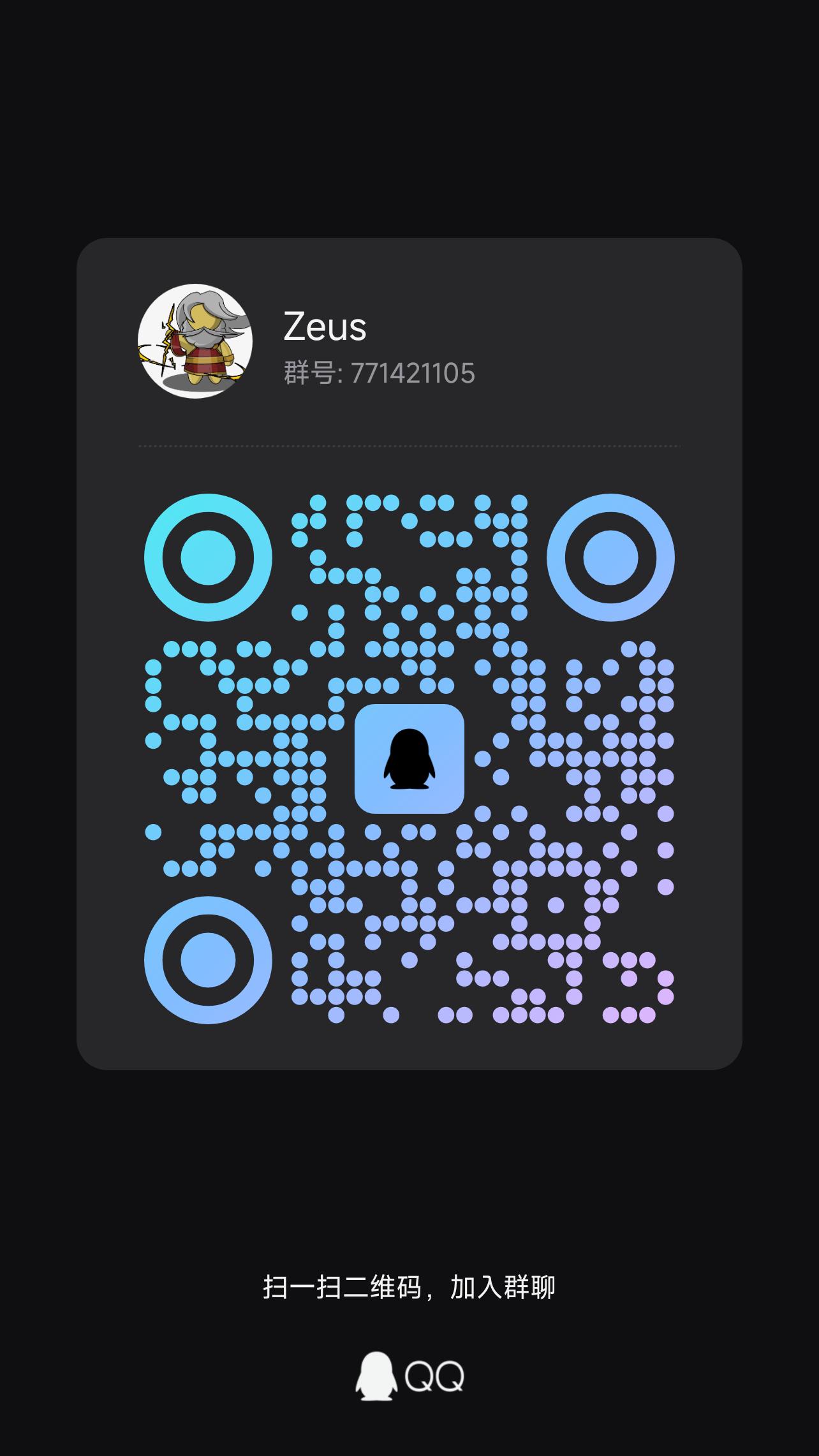
QQ group Zeus, number 771421105. You can discuss installation, serial ports, Modbus, Mitsubishi MC, Siemens S7, Omron FINS, Omron Host Link, EtherNet/IP, point write-back, and UI binding. Include the Zeus version, channel type, and full exception when asking questions.
Read Community Notes